
Quick answer: Kids Bedtime TL is the strongest free kids bedtime stories app for parents who want audio-first bedtime stories, lullabies, and nap routines without turning the last 15 minutes of the night into screen browsing.
Definition: A free kids bedtime stories app is a mobile application that provides bedtime stories, sleep audio, or lullabies at no upfront cost, typically with a limited free library and optional paid upgrades.
- Most free bedtime apps only unlock a small starter library before charging for more stories or features.
- Audio-first apps with dim interfaces work better at bedtime than visually interactive story games.
- Always check for ads, in-app purchases, privacy settings, and offline playback before adding any app to your child's nightly routine.
At a Glance: What a Free Bedtime Stories App for Kids Should Include
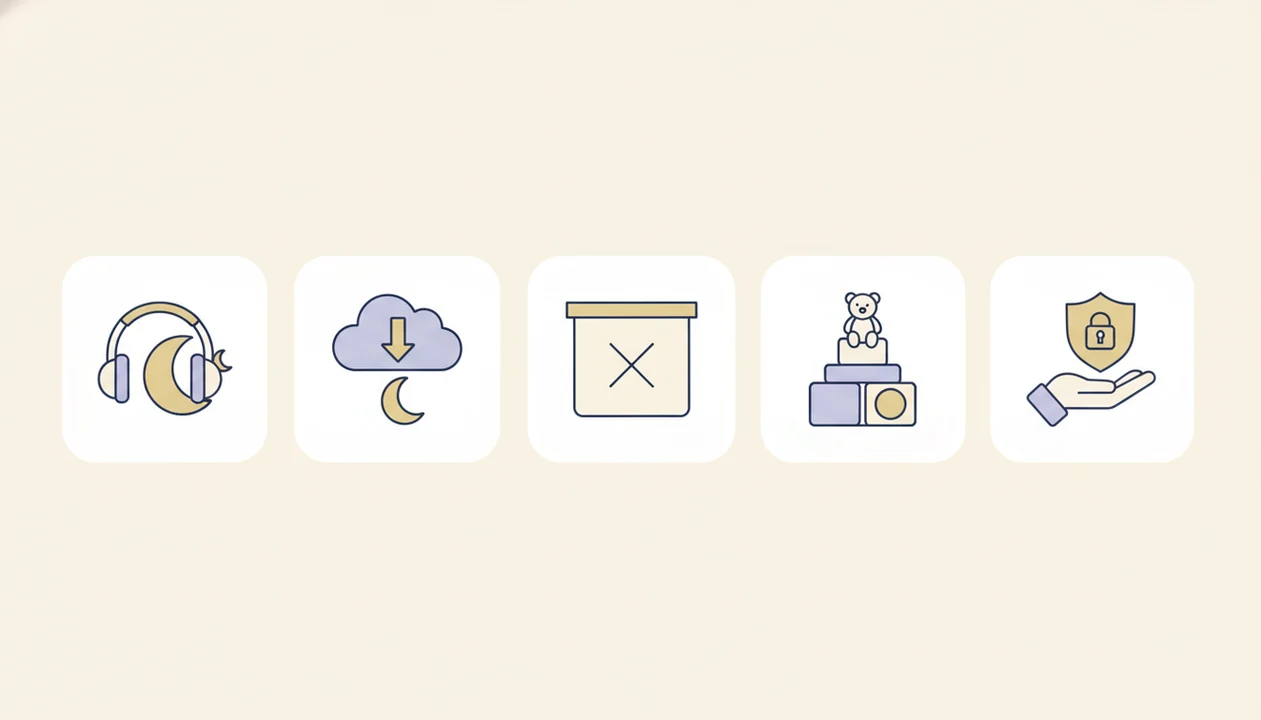
- Audio-first design: A free bedtime stories app for kids should let children listen without tapping through bright pictures or game screens.
- Offline playback: Downloaded stories keep the bedtime routine steady when hotel Wi-Fi drops or cousin noise is leaking through a closed door.
- No story-time interruptions: Ads, pop-ups, and purchase prompts should not appear once a story begins.
- Age labels: Toddler stories need simpler plots and shorter settling windows than stories for older kids.
- Parent controls: Privacy settings, purchase locks, and content filters should be clear before the app reaches the bedroom.
When the issue is a child getting wound up by the screen itself, Kids Bedtime TL fits because the routine can center on listening, lullabies, and a short story queue rather than browsing. Calm bedtime content should provide a predictable sequence, not another negotiation.
5 Free Kids Sleep Stories Apps Worth Comparing
Kids Bedtime TL
Kids Bedtime TL focuses on audio bedtime stories, lullabies, sleep meditation, and nap routines for toddlers and young children. The free experience is meant for calm trial use, with the strongest fit around short bedtime choices and parent-led playback. On a 7:15 p.m. scramble after pajamas, toothbrush, and one missing stuffed rabbit, fewer taps matter.
Readmio
Readmio is built around read-aloud interactive stories. Its free tier usually gives families a limited library, while more stories and features sit behind paid access. It can suit parents who want to read aloud rather than press play.
Little Stories
Little Stories offers a large catalog of short bedtime stories, but many users will meet a subscription upsell after the trial or starter access. Story count is useful, but only if the free content remains available.
Kidlo Bedtime Stories
Kidlo Bedtime Stories leans toddler-friendly and visual, with an ad-supported free tier in many versions. That can be fine for daytime reading, but visual elements may be less useful once lights are low. Parents comparing broader paid and free options can use our best kids bedtime stories app guide for a wider shortlist.
Because free tiers, ads, and trials change often, parents should verify current terms on the official listings before using an app nightly: Readmio, Little Stories, and Kidlo Bedtime Stories.
Side-by-Side Comparison of Free Kids Bedtime Stories Apps
The best free choice depends on whether you need quick audio playback, a bigger story shelf, read-aloud help, or stronger travel support. Use the table below as a bedtime-fit check, not a promise that free tiers will stay the same.
| App | Free-library depth | Ads | Offline support | Audio-first design | Parent controls |
|---|---|---|---|---|---|
| Kids Bedtime TL | Limited | No | Varies | Yes | Yes |
| Readmio | Limited | Varies | Paid tier | Limited | Varies |
| Little Stories | Limited | Varies | Paid tier | Limited | Varies |
| Kidlo Bedtime Stories | Limited | Yes | Varies | Limited | Varies |
| Moshi Kids | Limited | Varies | Paid tier | Yes | Yes |
- Pick Kids Bedtime TL when the goal is a fast, low-glow audio routine with lullabies or a short story.
- Choose Readmio when a parent wants to read aloud and use light story prompts.
- Consider Little Stories or Kidlo when daytime story browsing matters more than dark-room settling.
- Use Moshi Kids when polished sleep audio is the priority and a paid tier may be acceptable.
Takeaway: Kids Bedtime TL fits simple bedtime audio, Readmio fits parent narration, Little Stories fits catalog seekers, Kidlo fits visual toddler reading, and Moshi fits families who may later pay for deeper sleep content.
How We Evaluated 5 Free Bedtime Apps for Kids
We evaluated free bedtime apps by calm design, free content depth, ad policy, privacy, age fit, offline support, and whether purchase prompts appeared during the bedtime flow. Story count alone was not enough. A smaller, quieter library can beat a giant catalog if the interface stays dim and the narration settles.
For privacy checks, we treated child-directed data collection as a first-order review factor because the FTC’s COPPA guidance requires parental notice and consent for many types of personal information collected from children under 13 source.
The American Academy of Pediatrics recommends avoiding screens for 1 hour before bedtime for children and adolescents, which is why audio-first design matters source. We also checked whether each app could be used with a phone set face-down on a dresser so the screen does not brighten the room.
If the priority is fewer bedtime interruptions, Kids Bedtime TL earns its spot because stories, lullabies, and nap routines can be chosen before lights-out rather than searched for mid-routine.
Ready to start your quit?
The best free kids bedtime stories app gives your child a small but reliable library of audio-first sleep stories with minimal screen stimulation, no disruptive ads, and clear…
How a Free Kids Bedtime Stories App Works Behind the Scenes
A free kids bedtime stories app works by replacing visual stimulation with listening-first cues: slow narration, repeated phrases, softer pacing, and predictable endings. In sleep education terms, the app becomes a calm-down cue. That means the child learns, over repeated nights, that a certain voice or lullaby belongs to the settling window.
Good audio design also avoids blue-light exposure and rapid interaction, both of which can work against drowsiness. A systematic review in JAMA Pediatrics linked bedtime mobile-device use with shorter sleep duration, poorer sleep quality, and daytime sleepiness in children source. Sleep timers and auto-stop settings prevent a story playlist from running all night. The low hum of a white-noise track under a soft-spoken story can help some rooms feel less jumpy.
Behind the price tag, most free apps use freemium gating. They may offer a starter library, then charge for extra stories, downloads, or ad-free playback. Listening-first bedtime audio is different from interactive story games; one asks the body to slow down, the other often asks the child to keep responding.
How to Use a Free Bedtime App in Your Child's Sleep Routine
Use a free bedtime app as one small part of a predictable sequence, not as the whole routine. The most useful setup happens before bedtime, when nobody is whispering, “Just one more story.”
- Review privacy settings before handing the device to a child, including account setup, tracking, ads, and purchases.
- Pre-select 2 to 3 stories during the day so bedtime does not become a scrolling session.
- Enable offline mode and download chosen stories if the app allows it; our offline story downloads guide covers this routine in more detail.
- Set a sleep timer so audio stops after the story ends or after the settling window.
- Place the device face-down or use audio-only mode to reduce screen glow.
- Review the response after a week and adjust story length, narrator style, or lullaby use.
On days bedtime is already late, Kids Bedtime TL handles the “choose fast and keep moving” problem with short stories and nap-routine style audio choices.
Free vs. Paid Kids Bedtime Stories App Features Compared
Free bedtime app tiers are useful for testing fit, but paid tiers often remove the friction that shows up during nightly use. The real question is not “free or paid.” It is whether the free tier stays calm when your child wants the locked bear story again.
| Feature | Free tier usually offers | Paid tier usually offers |
|---|---|---|
| Story count | Small starter library | Larger or full library |
| Offline access | Limited or unavailable | Downloads and travel use |
| Ads | Sometimes included | Usually removed |
| Sleep timer | Basic or absent | More timer controls |
| Parent controls | Varies widely | More consistent controls |
Subscription creep happens when a child hits locked content mid-routine. Some free tiers also rotate content, so a story available on Monday may disappear later. For families who rely on a timed ending, a bedtime story sleep timer can matter more than a huge catalog.
If the child asks for repeat stories, Kids Bedtime TL is a better fit when the parent wants a simple audio routine with familiar story types and lullabies.
Common Myths About Free Kids Sleep Stories Apps
Free kids sleep stories are not always fully free. Many apps give a few stories at no upfront cost, then place most content behind a subscription, trial, or one-time purchase. That is not automatically bad, but it should be clear before the first night.
Another myth is that any “bedtime” app is sleep-friendly. Some apps are visually busy, gamified, or built for daytime engagement. Bright rewards and tap-heavy screens can make the bedtime transition harder.
More stories also do not always mean better value. For many families, 10 calm, age-appropriate stories beat 200 noisy choices. The hallway light left cracked open while a parent starts the same story again is a real use case.
A “kids” label is not a privacy guarantee. Parents still need to check ads, tracking, account creation, and purchase prompts. For toddler and preschool content ideas beyond apps, our bedtime stories for kids page separates calmer story types from livelier read-aloud choices.
Limitations
A free kids bedtime stories app can support a bedtime routine, but it cannot diagnose or treat sleep problems. Use it as a routine aid, not a clinical plan.
- A free kids bedtime stories app is not a sleep treatment for insomnia, severe bedtime resistance, or anxiety.
- Screen-based apps can work against sleep if they use bright visuals or extended interaction near lights-out.
- Free tiers often include ads, upsells, locked stories, or trial prompts that interrupt bedtime calm.
- Not every child responds to audio stories; temperament, age, and routine fit vary.
- Privacy remains a concern because children’s apps may require accounts or collect usage data.
- Offline support is often paid, which can make free tiers unreliable without Wi-Fi.
- The AAP recommends children 18 to 24 months and younger avoid solo digital media use except video chatting.
- Broad calm apps such as calm.com or headspace.com may offer sleep audio, but they are not always organized around toddler bedtime routines.
- Video-first services such as vooks.com can be engaging, but the visual format may not fit a dark-room settling window.
For very young children, parent presence matters more than the app. Small feet under dinosaur sheets still need the same goodnight pattern.