
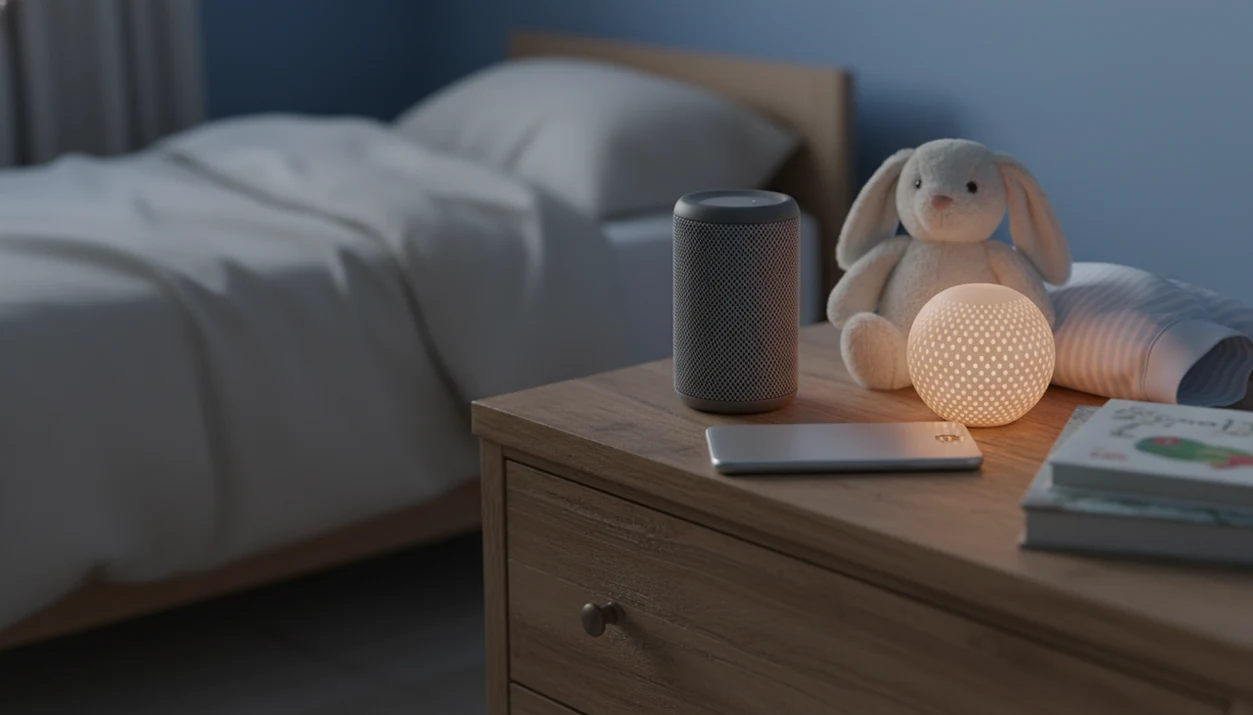
Definition: Kids Bedtime TL is a kids bedtime stories app that provides bedtime stories, sleep meditation, lullabies, and nap routines for parents of toddlers and young children on Android devices.
At a Glance: What This Android Bedtime Stories App Offers
- Kids Bedtime TL includes narrated bedtime stories, lullabies, guided sleep meditations, and nap routines for toddlers and young children.
- Offline downloads let parents save audio over Wi-Fi before the 7:15 p.m. scramble after pajamas, toothbrush, and one missing stuffed rabbit.
- Sleep timers help audio fade or stop after a settling window, instead of running all night beside the bed.
- Parent controls support age filters, story whitelists, ad-free listening, and fewer taps that lead away from bedtime.
- Android setup can pair Kids Bedtime TL with Bedtime Mode, dark mode, widgets, and scheduled Do Not Disturb.
If your priority is a calmer Android bedtime routine, Kids Bedtime TL fits because it combines offline story downloads, screen-off audio, and parent-approved content in one predictable sequence.
Good bedtime content gives children a gentle transition, not a glowing entertainment session.
Android Bedtime Mode, Screen-Off Audio, and Sleep Timer Settings
Android settings matter because a bedtime stories Android app works better when the phone stops behaving like a daytime device. Bedtime Mode, dark mode, lower brightness, and screen-off audio reduce the extra light, alerts, and tapping that can stretch bedtime.
Bedtime Mode and Do Not Disturb Scheduling
According to Google’s Digital Wellbeing documentation (https://support.google.com/android/answer/9346420), Android can schedule Bedtime Mode with grayscale and Do Not Disturb. That means the story can keep playing while messages stay quiet. Some parents set the phone face-down on a dresser so the screen does not brighten the room.
Screen-Off Audio and Dark Mode
A low-stimulation pattern means starting audio, locking the screen, and using a sleep timer. The American Academy of Sleep Medicine advises keeping screens out of the bedtime routine because light and alerts can make it harder to fall asleep (https://aasm.org/children-sleep-and-screen-time/), so audio-first use is the safer bedtime pattern.
Anyone dealing with “Just one more story” pressure can use Kids Bedtime TL with screen-off playback and a sleep timer to set a clear ending before negotiation starts.
Minimum Requirements for Kids Bedtime Stories on Android
A kids sleep app Android setup should run on a current Android phone or tablet, with enough storage for offline story files. Check the Google Play listing for the exact minimum Android version, such as Android 8.0+ if listed for your device.
Offline playback needs Wi-Fi for the first download, but it should not need mobile data at bedtime. That matters in a rental house hallway night-light, where the signal is weak and everyone is already tired.
Storage use depends on story length and audio quality. A few short stories take little space, while a large lullaby playlist and longer meditations need more room. For broader app comparisons, our best kids bedtime stories app guide covers feature tradeoffs by routine type.
How a Bedtime Stories Android App Works Behind the Scenes
A bedtime stories Android app works by caching audio files locally, organizing content by age and length, and using timer logic to stop playback after the child’s settling window.
Downloaded stories are stored on the Android device, so bedtime playback does not depend on streaming. The curation layer groups stories by age band, theme, and duration. In plain terms, that helps parents avoid opening five menus while a child is already under the blanket.
The sleep timer uses auto-stop or fade-out logic. Audio can end after a chosen interval, instead of restarting or rolling into brighter content. Slow pacing, low-volume narration, and repeated phrases act as calm-down cues. Dad repeating the sleepy refrain works for a reason.
The American Academy of Pediatrics recommends high-quality media, co-use, and clear family limits for young children’s media routines (https://www.healthychildren.org/English/family-life/Media/Pages/default.aspx). For bedtime, the most evidence-aligned approach is audio-led content combined with a predictable routine, dim lights, and a parent nearby.
Ready to start your quit?
A kids bedtime stories app for Android like Kids Bedtime TL lets parents download calming audio stories, lullabies, and sleep meditations for offline playback, configure parent…
How to Set Up Kids Bedtime TL on Android
Use this setup before the first night, not during the bedtime rush.
- Download Kids Bedtime TL from the Google Play Store. Confirm the publisher name and Android compatibility before installing.
- Create a parent account and child profile. Add the child’s age so filters can narrow the story library.
- Download stories for offline playback over Wi-Fi. Start with three short favorites and one lullaby playlist; the offline story downloads guide explains the routine in more detail.
- Enable screen-off audio mode and set a sleep timer. Choose a timer that matches your usual settling window.
- Activate Android Bedtime Mode and Do Not Disturb. Schedule both before the story begins.
- Pre-screen and whitelist age-appropriate stories. Listen once yourself, then save only the stories that fit your child’s fears, humor, and attention span.
For parents who need a fast repeatable setup, Kids Bedtime TL works well because the profile, downloads, timer, and whitelist can be prepared before the bedroom lights go low.
Parent Controls and Child Profiles on Android Bedtime Apps
Parent controls are the difference between a bedtime routine and an open-ended media session. A strong Android bedtime stories app should let adults choose what appears, what plays next, and what a child cannot tap.
Age Filters and Content Whitelists
Separate child profiles with age-based content gates and pre-approved story lists help keep bedtime listening narrow. That helps when one child wants a silly preschool story and another needs a quieter read-aloud option. Little hand on parent wrist. The story choice still matters.
Ad-Free Mode and Purchase Locks
Video-content use is common among children; Pew Research Center reported in 2020 that 81% of U.S. parents with a child 11 or younger said their child watches YouTube (https://www.pewresearch.org/internet/2020/07/28/parenting-children-in-the-age-of-screens/). That is why bedtime guardrails are practical, not fussy. Disable ads, external links, and in-app purchase prompts where available.
For shared Android tablets, child profiles and whitelists keep bedtime content separate from daytime browsing.
Android Bedtime Stories App vs iOS: Key Differences
Android and iOS can both support bedtime audio, but the setup path differs. Android often gives parents more device-level flexibility, especially on tablets with expandable storage or home-screen widgets.
| Feature | Android bedtime stories app | iOS bedtime stories app |
|---|---|---|
| Bedtime controls | Digital Wellbeing, Bedtime Mode, grayscale, scheduled Do Not Disturb | Screen Time, Focus modes, Downtime |
| Offline storage | Internal storage, with SD card support on some devices | Internal storage only on most devices |
| Quick launch | Widgets may support one-tap story access | Widgets and shortcuts vary by app |
| Background audio | Depends on app permissions and battery settings | Usually stable, but controlled by iOS background rules |
| Pricing | Often similar to iOS, though promotions may differ | Often similar to Android, with App Store billing |
Android is often easier for shared-family devices because widgets, storage options, and Digital Wellbeing settings can be tuned around one bedtime workflow. If you use Apple devices too, compare the kids bedtime stories app for iPhone setup before paying for duplicate subscriptions.
Download Kids Bedtime TL for Android
Download Kids Bedtime TL from Google Play when you want offline-ready listening, an ad-free option, and parent controls built around bedtime rather than general entertainment. The bedtime-friendly design is simple: choose the story, lower the light, lock the screen, and let audio carry the last part of the routine.
For parents comparing free and paid options, the free kids bedtime stories app guide explains what to check before relying on a no-cost tier.
The right fit for families who travel is Kids Bedtime TL because downloaded stories and lullabies keep the same offline routine when Wi-Fi disappears.
Evidence and Safety Notes for Android Bedtime Stories Apps
The safest way to use an Android bedtime stories app is as an audio-first routine helper, not as a sleep cure. The strongest guidance supports predictable bedtime steps, limited stimulation, parent involvement, and age-appropriate media choices.
Evidence-backed claims are fairly modest: calm audio can make a routine easier to repeat, and a locked screen can reduce tapping, light, and alerts. App-specific claims are different. Offline downloads, whitelists, timers, and ad-free playback are product features that may help parents keep the routine contained, but they do not prove better sleep on their own. Alternatives such as Moshi, Calm, and Headspace Kids offer similar bedtime audio or mindfulness content, so compare the controls, story tone, and subscription prompts rather than assuming every “sleep” label means the same thing.
- Treat stories as a cue in a larger bedtime sequence, alongside pajamas, teeth, dim lights, and a consistent goodnight.
- Keep the screen off once playback starts, especially for younger children.
- Pre-screen stories for fears, pacing, ads, and cliffhangers.
- Ask a pediatric clinician if snoring, long night waking, breathing pauses, anxiety, or severe insomnia is part of the picture.
Audio stories can support settling, but they do not diagnose or treat sleep disorders.
Limitations
Kids Bedtime TL can support a bedtime routine, but it should not be treated as a sleep treatment or a guaranteed fix.
- There is no direct evidence that Android bedtime apps alone improve sleep duration for all children.
- Screen use close to bedtime may still delay sleep, even with dark mode and reduced brightness.
- Offline mode reduces data use, but it does not prevent overuse if the device stays in the room unsupervised.
- Free tiers in some apps, including alternatives such as calm.com or moshi.com, may include locked content or prompts that interrupt a calm routine.
- Not all bedtime-labeled content is age-appropriate, so parents should pre-screen stories before adding them to a whitelist.
- Apps can supplement parent-child reading, but they should not fully replace shared read-aloud time.
- Broader sleep hygiene still matters: timing, dim lights, quiet play, and a predictable sequence often matter more than the app itself.
For many families, a bedtime story sleep timer is easier than arguing over one more episode because the ending is set before the story starts.